
Glock-18
Large pistol magazine; switch between single shots and bursts.
- Magazine
- 20
- Price
- $400
- Buy
- Both teams
COUNTER-STRIKE · WINDOWS PC
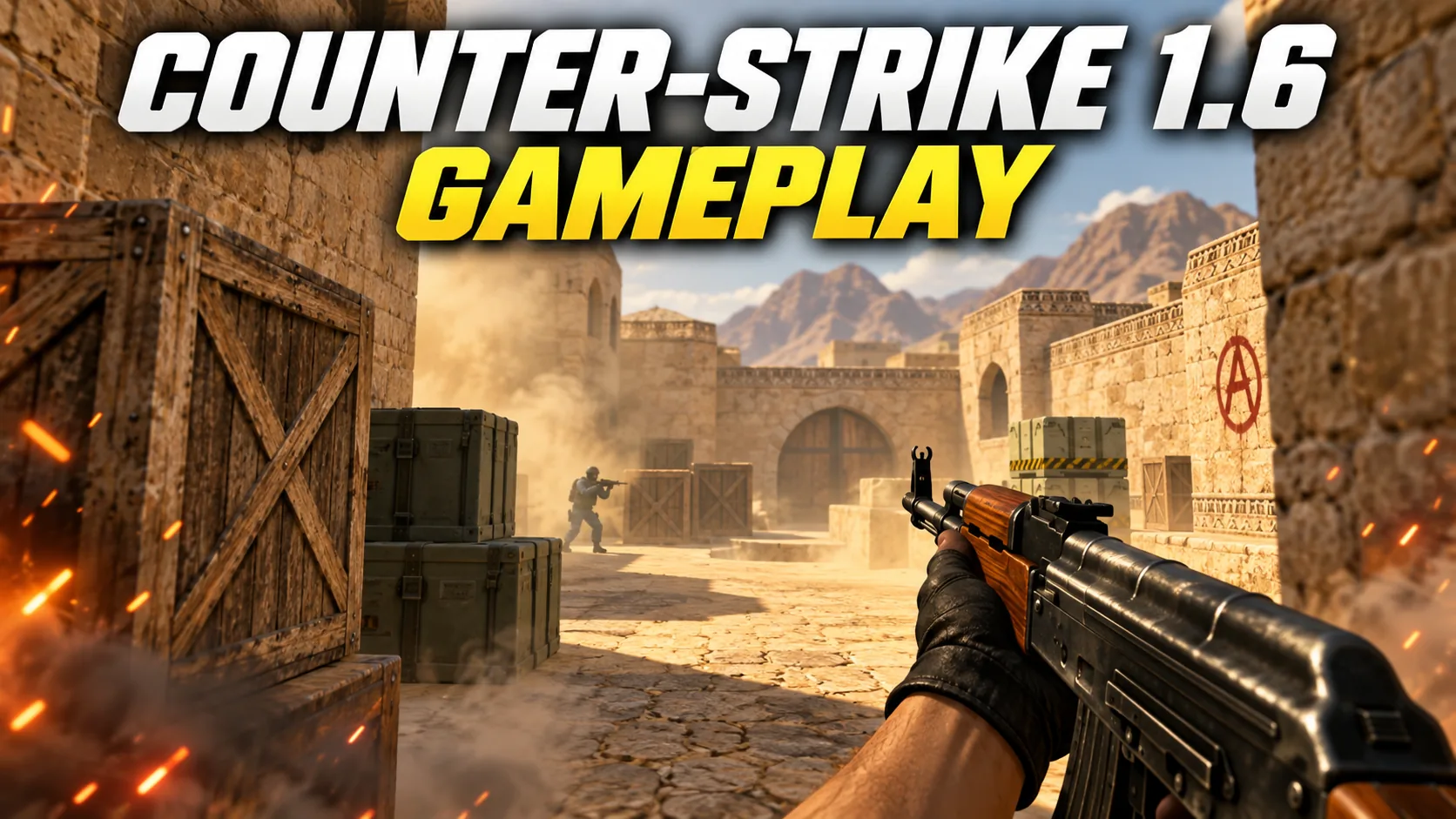
Download classic Counter-Strike 1.6 for Windows with standard weapons and familiar maps. Join online servers or create local matches with friends. Choose the direct download or torrent to get the same client. Check the file details before installing, then use the quick-start guide to launch the game and connect to a server.
01 / CS 1.6 · WINDOWS
Install the client, check your PC and adjust the controls. Open the section you need.
Save the complete installer and check it with your security software before opening it.
Choose a separate writable folder, for example C:\Games\CS16. Keep an existing installation and its settings backed up.
Read each installer screen and review the proposed components. Do not accept unrelated software just to finish setup.
Start the game, open a local map and test movement, firing and sound. Only then add personal configs or replacement models.
If something fails, record the full message and use the troubleshooting section. A clean first launch makes later conflicts much easier to identify.
Before joining a server, check movement, sound, aiming and whether your settings survive a restart.
Settings →For Windows 10 or 11, start with a current graphics driver and install into a folder your account can write to. On an older laptop, test a local map first and reduce resolution if frame times are uneven.
The download is 278.56 MB. Allow additional space for installation, downloaded maps and your own files; the download size is not the installed size.
| Component | Classic baseline | What to check today |
|---|---|---|
| CPU | 500 MHz | Your processor must also support your Windows version. |
| RAM | 96 MB | Leave enough memory for Windows and background applications. |
| Graphics | 16 MB | Use a working graphics driver and test OpenGL. |
These historical game requirements are not the requirements for a Windows 10/11 PC. The operating system and graphics driver determine the practical minimum.
Change one setting, test it on the same map, then keep or undo it. Console values below are examples, not a required preset. Open the console with its assigned key; on an English keyboard this is usually ~. Enter one command and press Enter. Note the previous value before changing it so you can restore it.
Compare local play with a server match. If only online play stutters, pause downloads and try a nearby server. Packet loss and unstable latency need a connection check.
net_graph 3connect IP:PORTStart with familiar movement keys. Change one binding at a time so you can test it without disrupting movement or weapon selection.
bind "q" "lastinv"bind "v" "+voicerecord"Mouse: choose a comfortable sensitivity, keep DPI consistent and test a full turn in a local match. Someone else’s config is not a guaranteed improvement.
sensitivity 2.5zoom_sensitivity_ratio 1.0Select the correct playback device and test the left and right channels. Set game and voice volume so that you can hear footsteps and teammates comfortably. If your microphone is silent, check the input device and the push-to-talk key.
volume 0.4voice_scale 0.7Video: begin with a supported resolution and test OpenGL if your graphics driver supports it. Change one setting at a time and compare the same map.
fps_max 100cl_showfps 1Test crosshair size against bright and dark surfaces. The crosshair helps you aim; making it smaller does not reduce weapon spread.
cl_crosshair_size "small"hud_fastswitch 1Close the game before copying configuration files. Keep your nickname, key bindings and sensitivity together so a reinstall does not mean starting over. Change your nickname in the multiplayer settings.
cstrike/config.cfgcstrike/userconfig.cfgSave your current settings before changes. Client versions can differ; an unknown command should not be forced into your configuration.
02 / CS 1.6
This CS 1.6 package brings together the familiar GoldSrc game, classic weapon models and round-based team play. Choose a direct download or torrent: both provide the same cs16_original.exe installer. The website language changes the instructions; it does not change the game menu.
On de_ maps, attack or defend bomb sites; on cs_ maps, the Counter-Terrorists rescue hostages. Manage your round money, listen for footsteps and move with your team. Practise the routes locally before joining a public server.
03 / CS 1.6
Classic describes the familiar models, sounds and round-based gameplay. It does not establish who made an installer or whether it is an official release. Compare the actual package contents, not just its name.
Online play connects to a server; LAN connects computers on a local network. Bots need an installed bot module. Starting a local map does not automatically add opponents, and commands depend on the module.
CS 1.6 is the game version; a build identifies the client. A recently uploaded file is not necessarily a new build. Compare the build and documented changes before replacing your installation, and back up your configuration first.
Compare the downloaded file's SHA-256 with the published value. A match identifies the file, not its safety. A scan report must refer to the same hash; check its date and results and keep system protection enabled.
04 / CS 1.6
Direct download is the simplest route: save cs16_original.exe through your browser and wait until the transfer finishes. If it stops, use the browser’s download history to retry; do not launch a partial file or an HTML error page renamed as EXE.
For BitTorrent, download the small .torrent file and open it in a torrent client. Completion depends on available peers. If it remains at zero, check the client’s network status or use the direct link.
05 / CS 1.6
Open the in-game server browser, refresh the list and choose a server with a suitable ping and available slots. Read its rules and supported client requirements. Save a working server in favourites for next time.
If the list is empty but you know a server address, use the console command connect IP:PORT, replacing the example with that server’s actual address. If only one server fails, check whether it is full, offline, password protected or requires a different client. Do not change all network settings at once.
06 / CS 1.6
One CS 1.6 client can connect to different kinds of servers. The server controls the mode, rules and extra resources; a separate game installation is usually unnecessary.
| Mode | What changes | Best for |
|---|---|---|
| Classic / Public | Classic rounds: plant or defuse the bomb, rescue hostages, or eliminate the enemy. | First match |
| 5v5 / Mix / ClanWar | Organized five-versus-five rounds with team economy and coordinated roles. | Teamwork |
| Deathmatch / CSDM | Frequent respawns and weapon selection keep shooting practice moving. | Aim practice |
| FFA | Deathmatch where every other player can be an opponent. | Aim practice |
| Headshot Only | Damage is restricted to headshots on servers using this rule. | Aim practice |
| GunGame | Advance through weapon levels by scoring kills; the weapon order is configurable. | Variety |
| Zombie Plague | Humans fight infected players; classes and special rounds vary. | Variety |
| Zombie Escape | Humans move toward an escape route while zombies pursue them. | Teamwork |
| BaseBuilder | Players construct defensive positions before the zombie phase begins. | Variety |
| JailBreak | Guards and prisoners follow server-specific roleplay and minigame rules. | Variety |
| Deathrun | Runners cross obstacles while another player activates traps. | Movement |
| Surf | Move along sloped surfaces; combat and timed variants both exist. | Movement |
| Kreedz / KZ | Climb obstacle courses using precise jumps, often against a timer. | Movement |
| BunnyHop / Bhop | Chain jumps to keep speed; movement settings vary by server. | Movement |
| Hide & Seek | One team evades while the other pursues; movement is central. | Movement |
| Warcraft 3 | Classes, experience and abilities add progression to ordinary matches. | Variety |
This is a guide to 16 common mode families, not a live server list. Availability, access requirements and modified rules depend on each server. Search by mode or connect using its address.
07 / CS 1.6
Start a local game, choose a map and use the available bot controls to set up practice. Work on one task at a time: stopping before shooting, short bursts or a route to a bomb site. Bot controls depend on the installed module.
For a LAN match, connect the computers to the same local network, start a game on the host and open the LAN server list on the other PCs. Allow the game on the private network in the firewall; the host must remain running.
08 / CS 1.6
Installer will not open: confirm the download finished and inspect the security alert. Obtain a fresh copy from the intended source; do not disable antivirus or download random DLL files.
Black screen or video error: check the graphics driver and undo the last video change. If the game offers a windowed mode, use it to recover a usable display.
Empty server list: test your connection and the firewall rule for this application. Compare a known server address with the browser list to separate a server problem from a listing problem.
Stutters or high ping: compare a local map with an online match. Local stutters suggest performance issues; smooth offline play with online delays points toward the connection or server. Pause other downloads during this comparison.
09 / CS 1.6
Learn the objective before memorizing every angle. These eight familiar maps cover bomb defusal and hostage rescue; the server chooses its own map rotation.
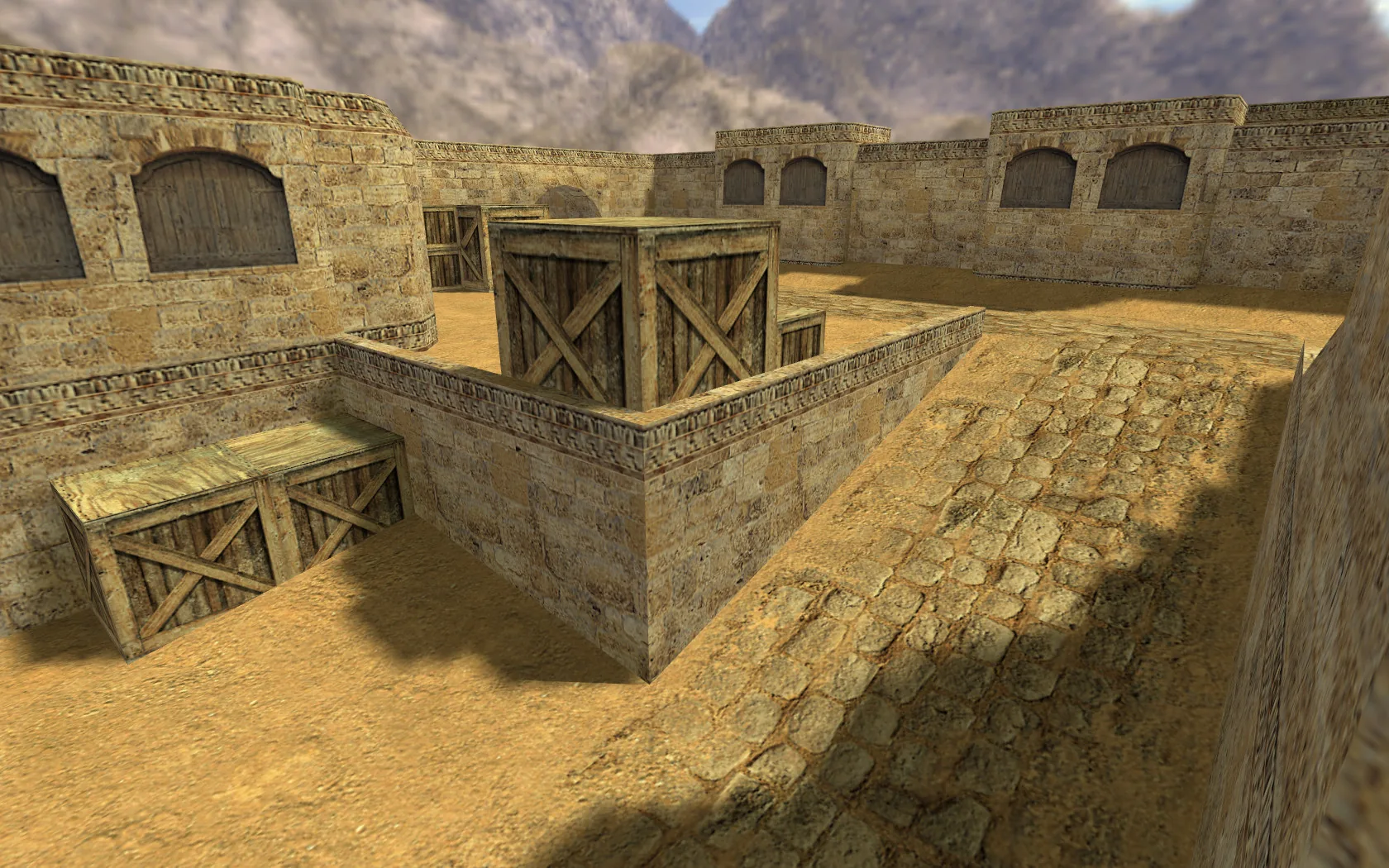
Two bombsites linked by middle, long A and B tunnels. Learn crossfires before rushing a choke point.
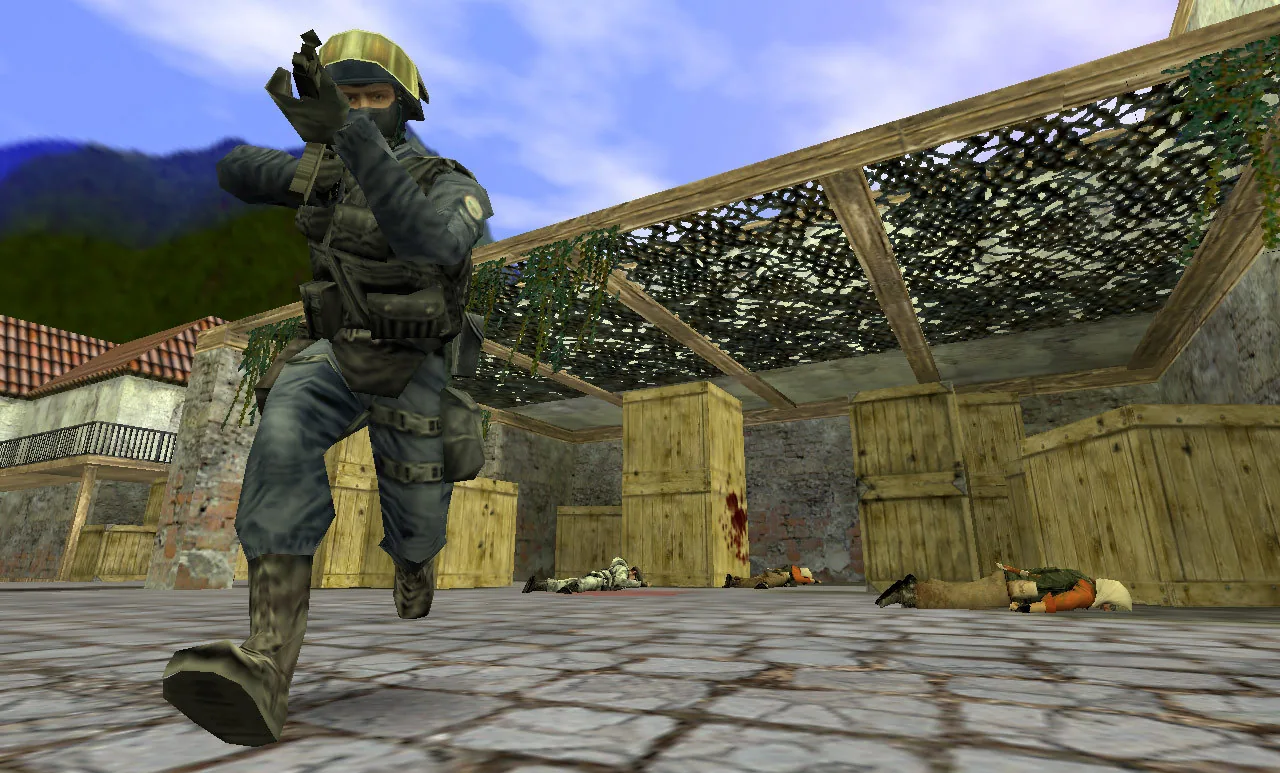
Narrow approaches and banana make utility valuable. Coordinate the entry instead of peeking one at a time.
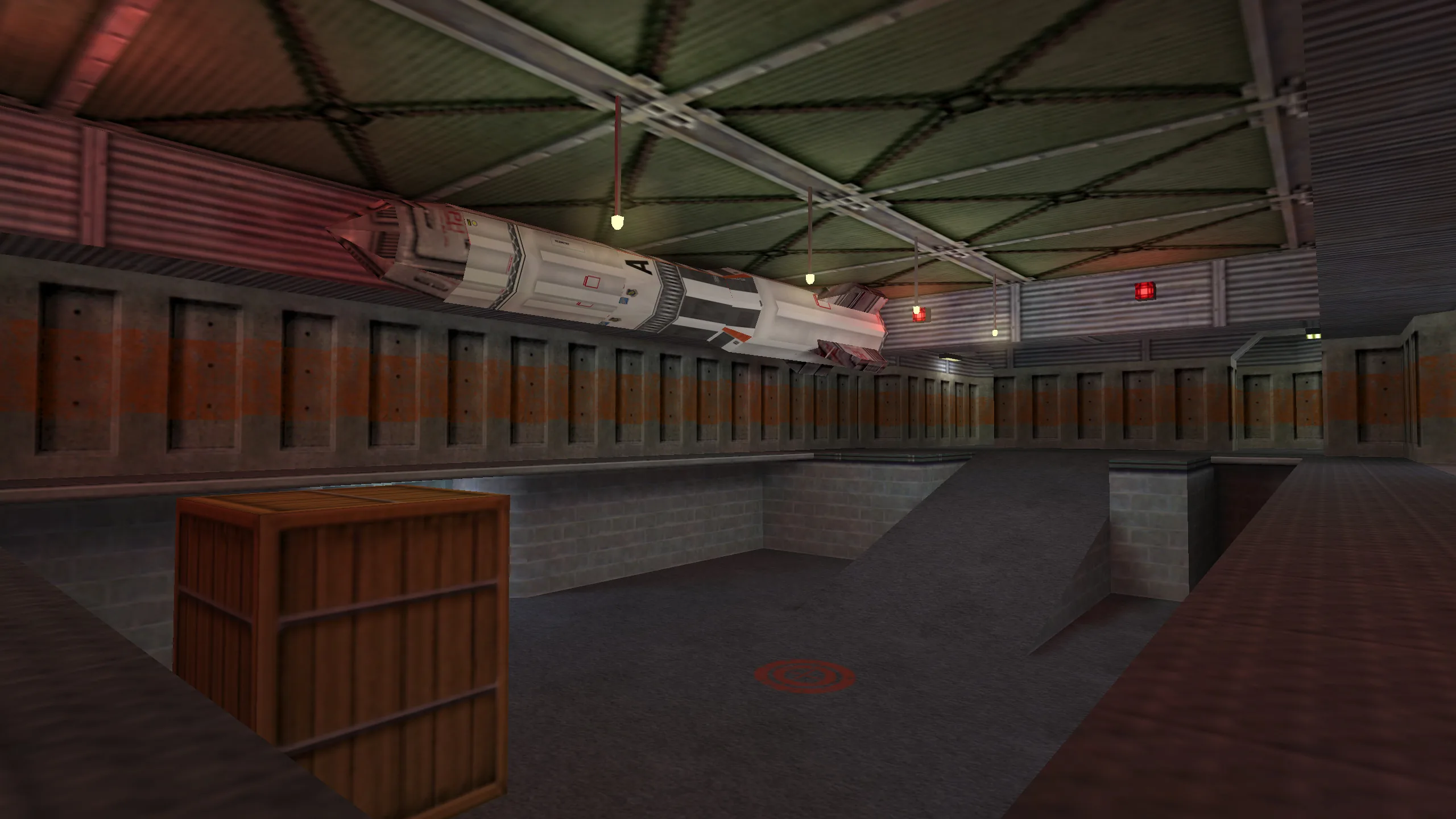
Stacked bombsites make sound and vertical positioning important. Check the route before rotating between floors.
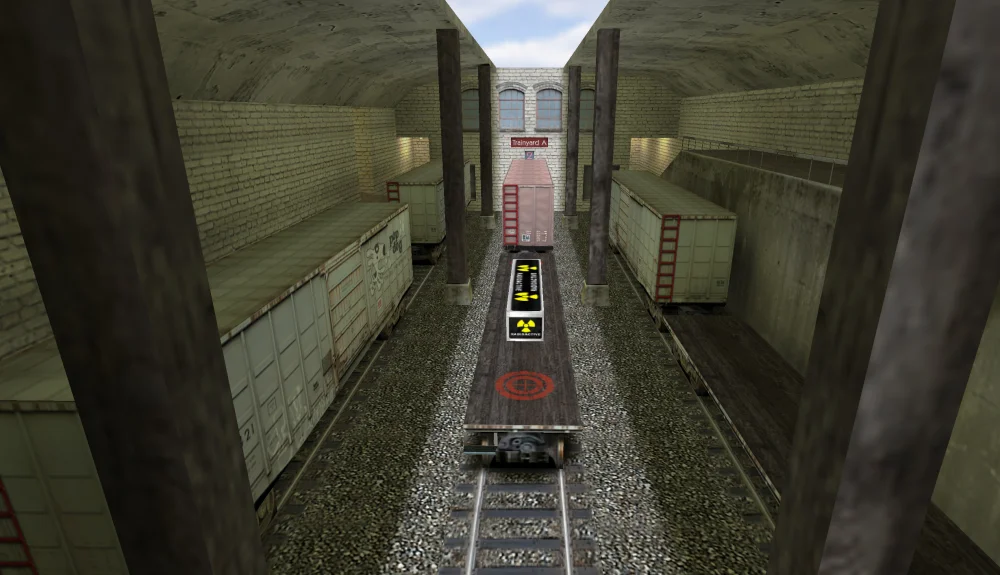
Bombsites among railway cars create many long angles. Clear the spaces between trains with a teammate.
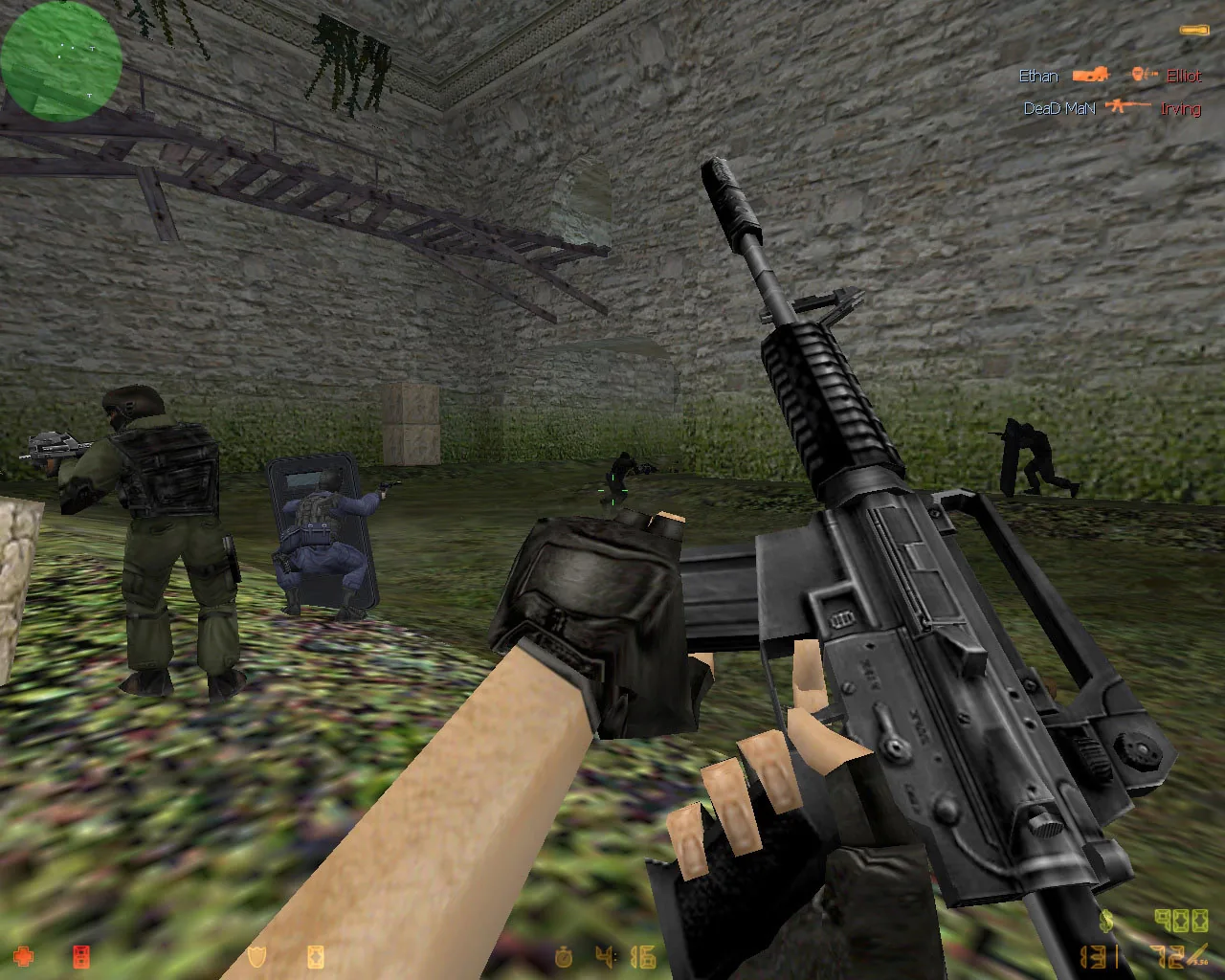
Open ground and the bridge expose careless movement. Use cover before crossing toward a bombsite.
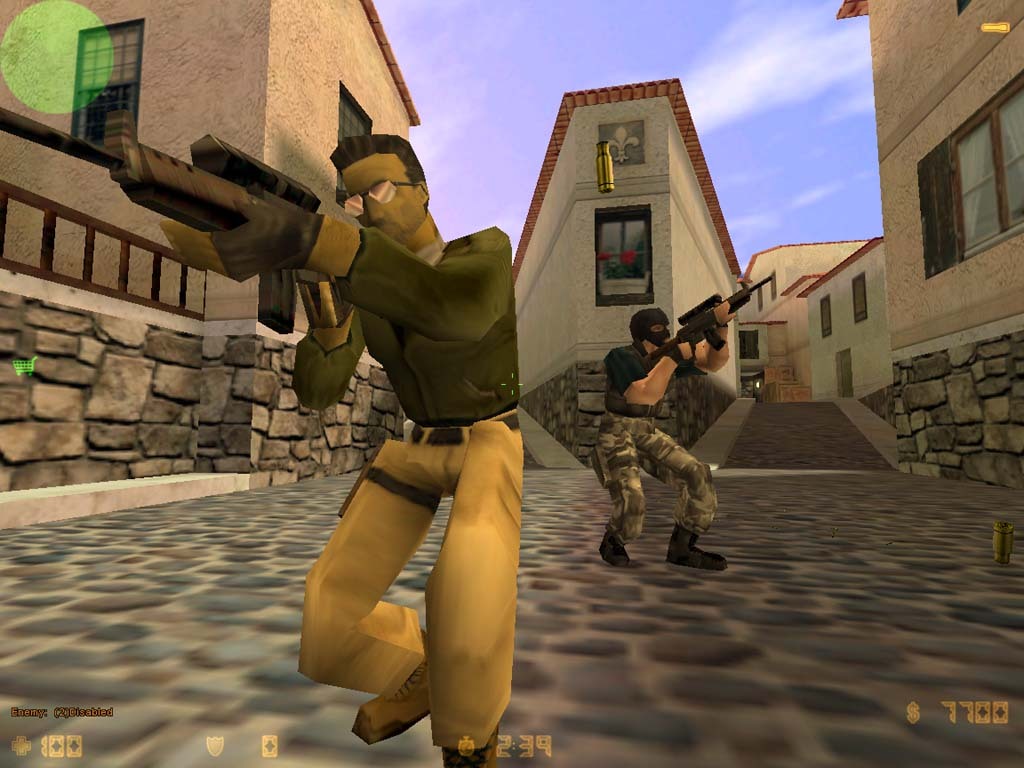
A hostage-rescue map with streets, apartments and a market. Clear the return route before escorting hostages.
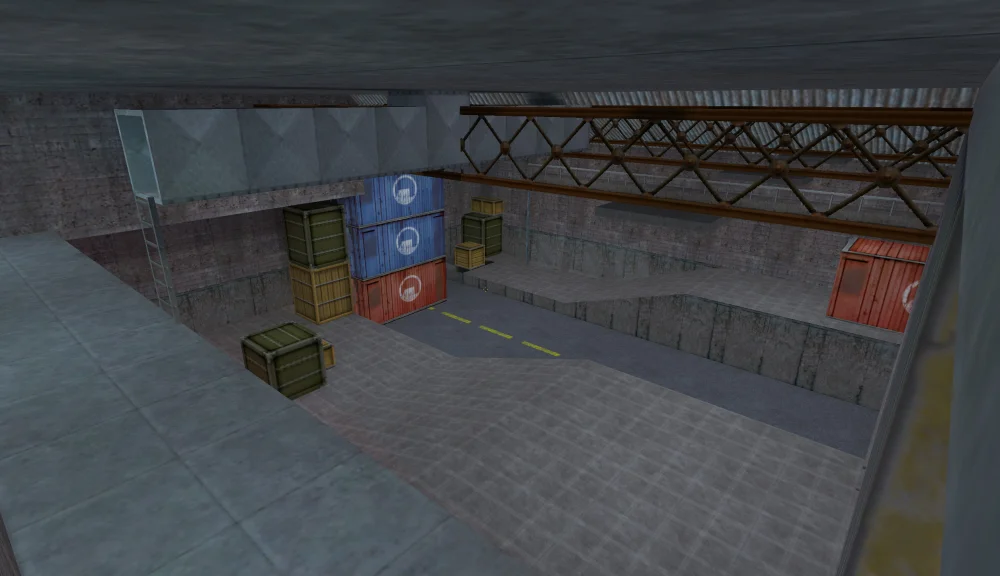
The warehouse favors defensive positions. Rescue teams must coordinate entrances instead of entering alone.
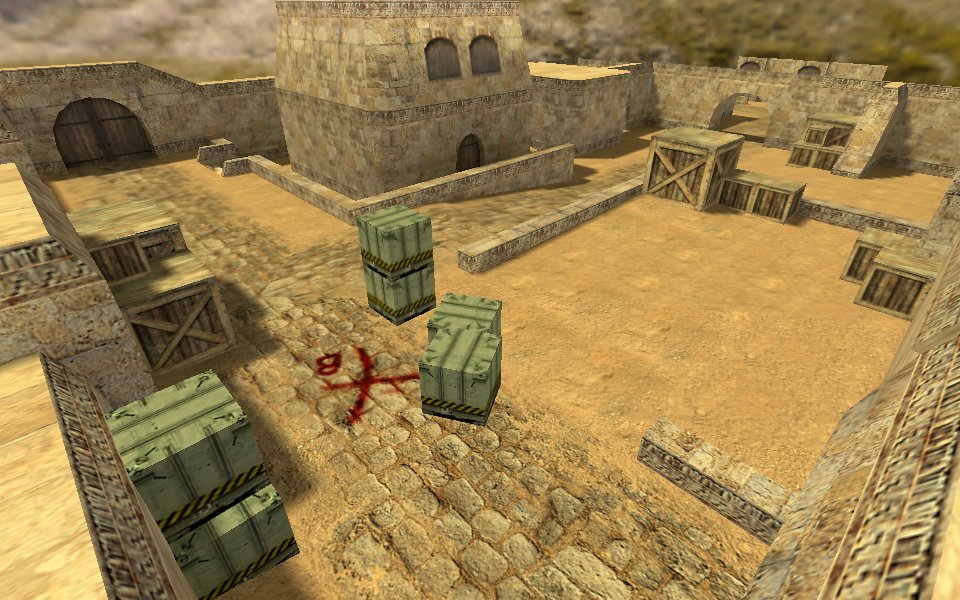
A compact bomb map with tight passages and an underpass. Watch crossfires at exits and avoid crowding together.
10 / CS 1.6
Compare all 24 firearms, then learn when grenades and equipment matter. Start with one rifle and one pistol; mastering movement and short bursts is more useful than switching guns every round.
Prices are in-game dollars and magazine sizes are for classic CS 1.6. Server plugins can change these values. T and CT indicate which team can buy a weapon; either team can pick up a dropped gun.
Large pistol magazine; switch between single shots and bursts.
A starting CT pistol with a detachable suppressor. Use controlled shots.
A compact pistol for close encounters; pace shots to manage spread.
High-impact pistol with only seven rounds. Make the first shot count.
Two pistols and a large combined magazine; avoid wasting ammunition.
Large pistol magazine with modest recoil; keep your aim on target.
Pump-action shotgun for close corners; leave time between shots.
Automatic shotgun for short-range pressure; watch ammunition consumption.
Suppressed CT weapon for close encounters; avoid long-range duels.
Fast T weapon for close attacks; sustained fire increases spread.
A balanced SMG for close and medium encounters; control your bursts.
A slower-firing SMG; compensate with deliberate positioning.
A 50-round SMG for sustained close-range engagements.
An affordable T rifle with 35 rounds for economical purchases.
A budget CT rifle with automatic and burst modes.
A strong T rifle; stop moving and use short, controlled bursts.
A CT rifle with a detachable suppressor and versatile handling.
A scoped CT assault rifle; zoom helps inspect distant angles.
A scoped T assault rifle for aimed fire across longer sightlines.
A light bolt-action sniper rifle; reposition after taking a shot.
A powerful bolt-action rifle; a missed shot leaves a firing delay.
A T automatic sniper rifle; repeated shots still require recoil control.
A CT automatic sniper rifle; manage recoil rather than holding fire.
A 100-round machine gun for sustained fire; expensive and slow to reload.
Close-range melee weapon with two attack types. Switching to it leaves you unable to fire.
Deals blast damage; bounce it around cover without exposing yourself.
Temporarily blinds players who see the flash. Warn teammates before throwing.
Blocks a sightline for a limited time; use it to cross or enter a site.
The attacking team plants it at a bombsite on de_ maps.
Protects against some incoming damage; a helmet adds head protection.
CT equipment that shortens the bomb-defusal time.
Helps visibility in dark areas; usefulness depends on the map and settings.
CT equipment providing directional cover; many servers disable it.
Counter-Strike began in 1999 as a Half-Life mod. The 1.0 release followed in 2000; updates through 1.5 developed the original game before 1.6 arrived in 2003. Condition Zero and Source followed in 2004, Global Offensive in 2012, and CS 2 in 2023.
CS 1.6 keeps the GoldSrc movement, weapon handling and classic map layouts. Choose it for familiar round-based play, LAN matches and community servers. Source uses a different engine; CS 2 brings Source 2 technology. They are separate games, not patches you need to install over CS 1.6.
1.6 identifies the game version. A client build identifies a particular client revision; the upload date alone does not prove it is newer. Compare the build and changes before replacing an installation, and back up your configuration.
11 / CS 1.6
The direct installer and torrent describe the same file: 278 560 000 bytes. Compare the SHA-256 below if you need to confirm that your download is complete and unchanged.
Keep system protection enabled. A matching hash identifies the file; a security report applies only to that hash and its scan date.
4c2512c6b8f38dff864298cb0157f360d519958ab313d1c0df40f66a884995e0SHA-256: 4c2512c6b8f38dff864298cb0157f360d519958ab313d1c0df40f66a884995e0
12 / CS 1.6
Download Counter-Strike 1.6 for Windows using the direct link or torrent. Both options provide the same installer — choose the download method that suits you.
Select Download EXE, wait for the download to finish and run the installer. Choose a separate game folder, such as C:\Games\CS16. Launch Counter-Strike 1.6 from its shortcut, set your nickname and choose a screen resolution. A torrent download is also available.
Install the game in a writable folder. On first launch, check the picture, sound and whether settings save correctly. For a black screen, try windowed mode and update your graphics driver. Keep Windows security enabled during installation.
Open Find Servers and choose a server with a free slot, your preferred map and low ping, then select Connect. To join a known address, enter connect IP:PORT in the console. Online matches need internet access; most server modes do not require a separate game client.
Create a local match through New Game, choose a map and add opponents using your installed bot module’s menu. If that menu is missing, check that a compatible bot module is installed. Once the game and maps are installed, local practice does not need internet access.
Scan the installer with your antivirus and open the VirusTotal report in the file-verification section. Compare its SHA-256 with the value on this page to identify the file. A scan applies to that file and scan date; it is not an absolute safety guarantee.
The direct link downloads the installer in your browser. For the torrent option, open the .torrent file in a torrent client and wait for the game download to finish. Both options provide the same installer; torrent speed depends on available peers.
Player comments 0
Share your experience, installation questions and useful solutions.
◌ No comments yet. Start the discussion.